Notice the second reader.
Return visits tell one story. A new browser on the same space tells you the link may have traveled.
Browser 013 visits
Browser 02NEW
Possible forward14:41:02 ↗
Turn your prospect table into personal sales spaces.
See what they read, revisit, and share. Not just what they open.

Visit 3 · same browser
Section 03 · 92% scroll depth
CTA · pricing section
Same space · possible forward
New browser on Maya's space.
A possible second reader.
Product preview. All names, companies, and activity shown are illustrative.
A new signal layer. Not another stack to migrate to.






How it works
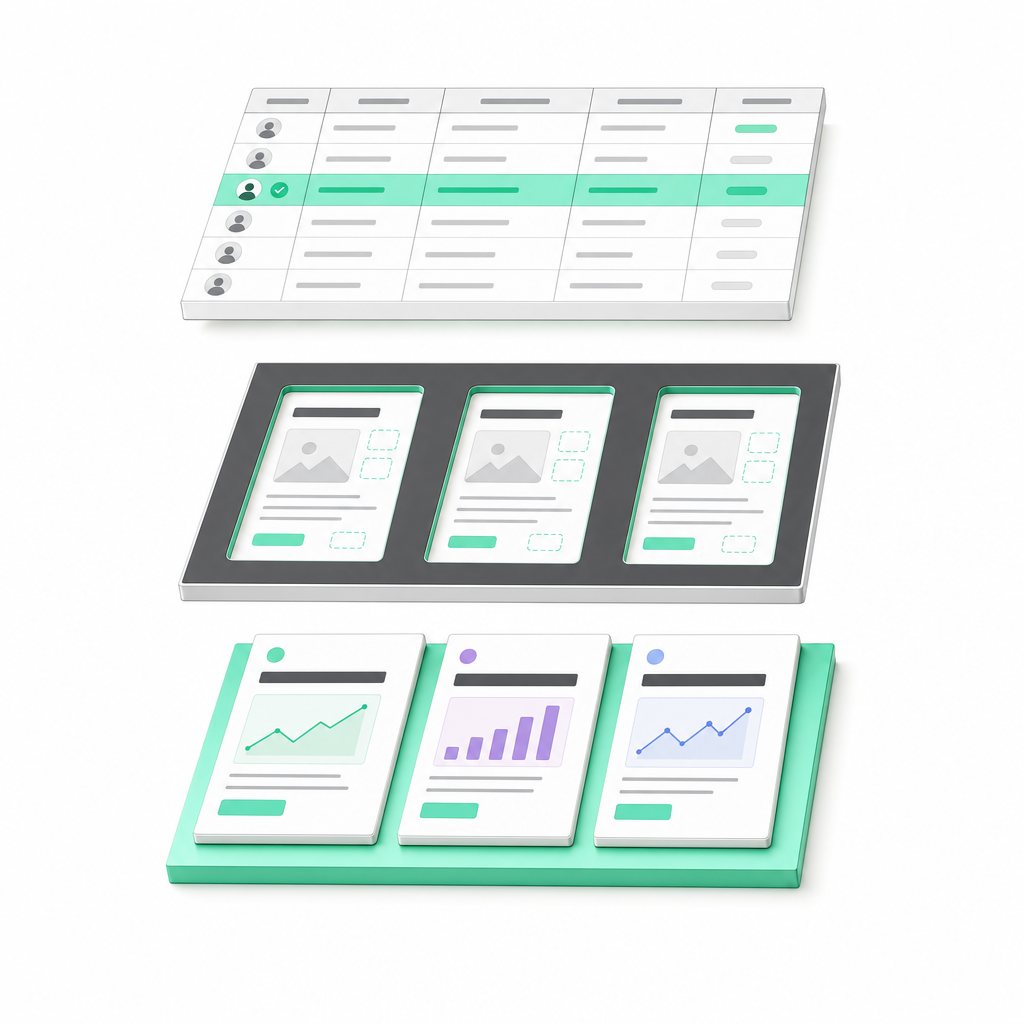
A personal page for every prospect. Your sequencer sends the link. Echo shows what gets read.
Import
Import a CSV, a Clay table, or leads from Lemlist, Instantly, Smartlead, Sendkit or Attio. Each import becomes a named lead group.
Design
Describe the page to Echo’s AI design assistant on your own key. One design combines typed slots bound to your columns with AI-written parts. Every prospect gets their own version.
Send
Echo writes each prospect’s link into your sequencer as {{echo_link}}, or exports a CSV. Your sequencer sends. Echo never sends emails itself.
An open is a timestamp. Echo gives you the reading: time on each section, clicks, scroll depth, return visits, and a lead-level heat score.
q3-pipeline / pricing
Return visits tell one story. A new browser on the same space tells you the link may have traveled.
Security tools open links too. Echo filters scanner bots so campaign roll-ups reflect human attention.
Skip another dashboard check. Get reading signals in the channel where your team decides what to do next.
Edit the design once. Every live space updates, while each prospect keeps their own values. No cloning. No broken links.
Compare reading across versions, not just whole pages. See which change held attention and where people stopped.
Pricing attention is 2.1x higher in v3.2. The new context is getting read.
Keep your sequencer. Give it somewhere more useful to send people.
| After the click | Email tracking | Generic landing page | echo |
|---|---|---|---|
| Personal space for every prospect | Email only | Manual setup | From your table |
| Time on individual sections | Not tracked | Extra tooling | Built in |
| Return and forward signals | Limited context | Session-level | Per space |
| One edit updates every space | Already sent | Page by page | Values preserved |
| Section-level version comparison | Not applicable | Extra tooling | Built in |
| Works with your sequencer | Native | Shared link | One variable |
Comparison of typical setups, not specific vendors. Capabilities vary by provider.
“The open wasn't the signal. Four minutes on pricing, a return visit, and a second browser were. That's the follow-up I want in Slack.”
Head of GTM Systems, Veyra Labs

“One design, hundreds of relevant pages. No folder of cloned landing pages to maintain.”
GTM Engineer, Forma Signal
“We keep Clay for the data and Instantly for the sending. Echo handles what happens after the click.”
Revenue Operations, Kestrel Systems
Illustrative testimonials. Names, companies, portraits, and quotes are fictional examples, not customer endorsements.
Start with one campaign. Build a design, send it, see the first signals.
For the campaign you run every week. Heat scores, forwards and Slack alerts.
For a full outbound engine. More volume, more campaigns in parallel.
Uploads per file: images up to 2 MB on Free and 5 MB on paid plans (resized automatically), videos up to 50 MB on Pro and 100 MB on Scale, documents up to 5 MB on Free, 15 MB on Pro and 25 MB on Scale. On Free, add videos as Loom, YouTube or Vimeo links.
A personal sales space for each prospect: a page based on one shared design, populated with that prospect's values. Echo gives you a unique link per row and shows how that space gets read.
No. Use each prospect's {{space_url}} as a custom variable in Instantly, Lemlist, Clay, or any sequencer that supports custom fields. Your sending workflow stays where it is.
You connect your own OpenAI or Anthropic API key. Model usage is billed by your provider at their rates. Your Echo subscription covers Echo, with no markup on AI usage.
Echo detects a new browser visiting the same personal space. That can indicate a forwarded link, but it could also be the original prospect on another browser or device. It is a possible-forward signal, not a verified identity for another person.
Echo filters scanner bots from engagement analytics. Section time, visits, and campaign reporting are intended to reflect human reading rather than automated link checks.
Yes. Update the shared design and every live space using it updates too. Links stay the same, each prospect keeps their own values, and you can compare reading between versions section by section.
No. Bring the data you already have from a CSV, Clay, or your CRM. Echo turns that data into personal spaces and reading signals. It is not an enrichment tool or a contact database.
Walk through your fields, build a design, and map the output to your sequencer. On your actual workflow.
Book a working sessionEcho now writes each prospect’s personal link into Lemlist, Instantly, Smartlead, Sendkit and Attio as {{echo_link}}.
Your sequence picks it up. Echo never sends an email itself.